Veo 3, now Veo 3.1, is Google's best video model, and it makes gorgeous short clips with sound baked in. But if you came here to make a video ad, one fact matters: a 4 to 8 second clip from a prompt is not a finished ad. Below is what Veo 3 actually does, how to turn a Veo clip into a real product ad, and how to skip that work and make the whole ad from a product link.
What Veo 3 is, and what it does well
Veo 3 is Google DeepMind's text-to-video model, and its standout trick is native audio: it generates the video and the sound together in a single pass, so a prompt produces dialogue, sound effects and ambient noise already synced to the picture. It renders up to 4K in both 16:9 and 9:16, and the current version, Veo 3.1, leads on audio-visual sync and is the strongest 4K-native option available through the Gemini API, Google AI Studio and Flow.
The catch for advertising is length and intent. Clips run about 4 to 8 seconds, and you get them from a written prompt, not from your product. There is no presenter selling your thing, no script written to convert, no captions for the muted feed, and no way to point it at a product page. It is a brilliant shot generator, not an ad maker.
Veo 3 and Veo 3.1 details are from Google DeepMind's public documentation, checked July 2026, and may change. Veo is a trademark of Google. Sparkiz is not affiliated with, endorsed by, or sponsored by Google.
A Veo 3 clip vs a finished ad
A great clip and a finished ad are different things. An ad hooks in the first second, carries a script that sells a specific product, uses a presenter or a voiceover to deliver the message, keeps captions on for the muted feed, and runs long enough to land a benefit. A 4 to 8 second prompt-based clip does none of that by itself. Here is the honest side-by-side.

How to turn a Veo 3 clip into an ad
Veo is genuinely useful for advertising, just not as the finished ad. Treat a Veo clip as premium B-roll and build the ad around it:
- Open with a hook, not the pretty shot. Put a face, a problem, or a bold claim in the first second, then cut to the Veo footage as the visual payoff.
- Write a script that sells the product. Say what it is and why it matters in plain, spoken language, and record a voiceover to carry it. Veo's native audio is great for ambience, but the selling message is on you.
- Add captions. Most of the feed plays on mute, so on-screen captions do the talking. Burn them in.
- Stitch and time it. A single 4 to 8 second clip is rarely a whole ad, so combine a few shots, cut to 9:16, keep it to about 15 to 30 seconds, and end on one clear call to action.
That is a real editing job per ad, and it starts over for the next one. If you make ads at any volume, the math gets old fast.
Or make the whole ad from a link
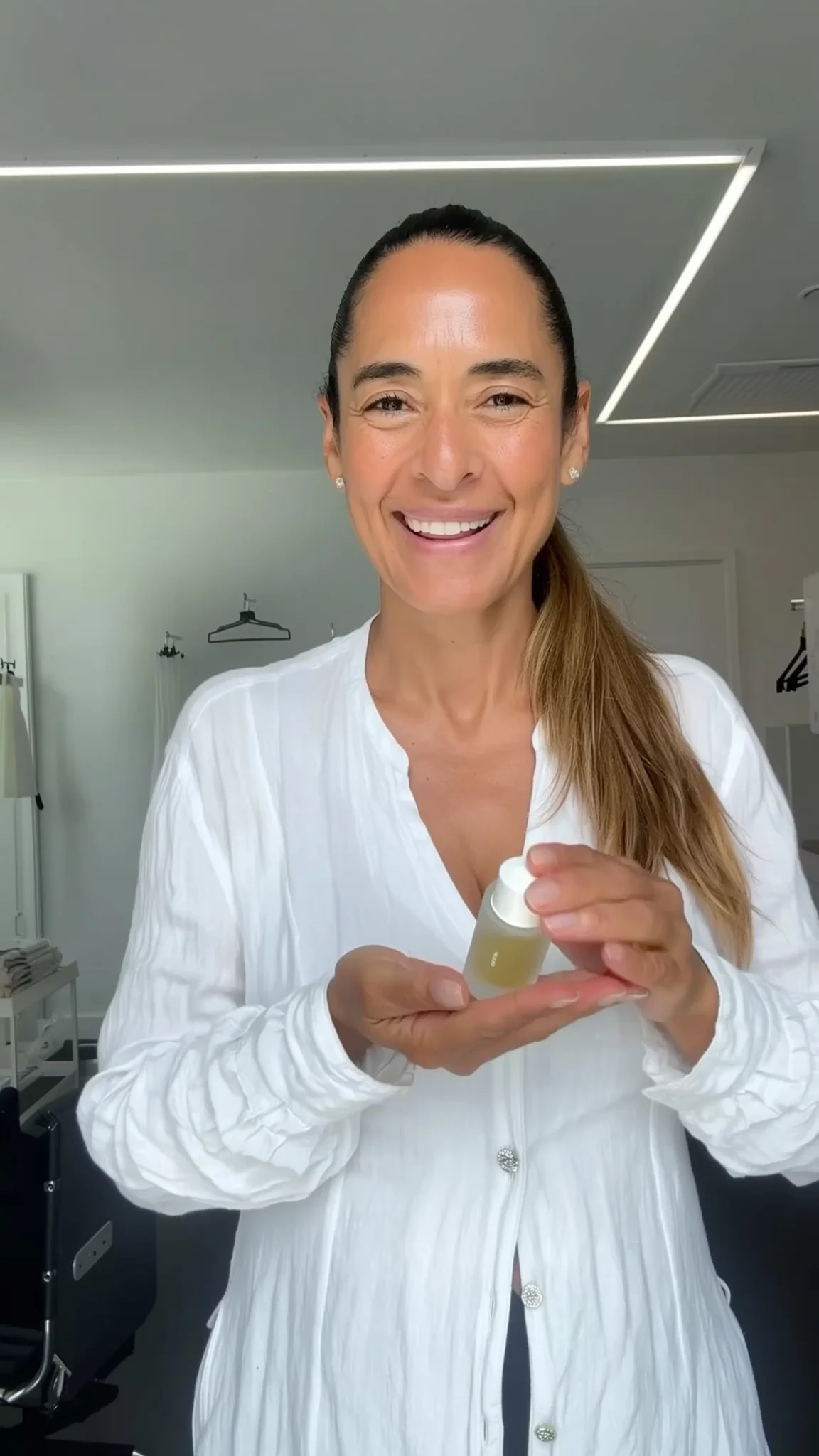
The shortcut is a tool built for ads. Instead of prompting clips and editing them together, you paste a product link and get a finished UGC-style ad: an AI presenter, a script written to convert, a voiceover, captions and music, exported in 9:16, 1:1 or 16:9, in about five minutes. Here is a real one made from a product link.
A real AI UGC-style ad, 9:16, made from a product link. Tap to play.
Use both if you like: Veo for a cinematic hero shot, and a product-ad tool for the fast, testable UGC cuts that carry a campaign. For the ad itself, the tool that starts from your product, from $3 for the first video, is the simpler path.
Make a video ad the simple way
Skip the prompts and the editing. Paste a product link and get a finished ad, captions and rights included. First one is $3.
Create an AI ad →Veo 3 video ads FAQ
Can you make video ads with Veo 3?
You can make short clips with Veo 3 and use them as footage in an ad, but Veo does not produce a finished ad on its own. It generates 4 to 8 second clips from a text prompt, with no presenter, script, voiceover or captions built for the feed. You add those, or you use a dedicated AI ad tool that builds the whole ad from a product link.
How long are Veo 3 clips?
About 4 to 8 seconds per clip, up to 4K, in 16:9 or 9:16. For an ad you usually want 15 to 30 seconds, so you combine several clips and add the hook, script, voiceover and captions around them.
What is the difference between Veo 3 and a UGC ad tool?
Veo 3 is a general video model that turns a prompt into a cinematic clip with sound. A UGC ad tool turns a product link into a complete ad with a presenter, script, voiceover and captions. Different jobs: one makes footage, the other makes the ad.
Does Veo 3 have sound?
Yes, native audio is its headline feature. Veo generates the video and the audio together, including dialogue, sound effects and ambient noise synced to the picture. That is great for realism, but the selling script and voiceover for an ad are still up to you.
The Sparkiz AI team writes about video advertising, UGC, and creating ads that convert, to help brands produce winning creative fast and affordably.
More from the blog →