Short answer: Sora 2 made stunning short clips, but two things matter if you came here to make video ads. First, OpenAI closed the Sora app on April 26, 2026 and plans to close the Sora API on September 24, 2026. Second, even at its best, a Sora 2 clip was raw footage, not a finished ad. Below is the honest state of Sora 2, and how to make a product ad now.
What Sora 2 was, and what it did well
Sora 2 was OpenAI's text-to-video and audio model, and it was genuinely impressive. From a written prompt it produced short cinematic clips, roughly 15 to 25 seconds at 1080p, with synchronized dialogue and sound effects, noticeably better physics than earlier models, and a "cameo" feature that could drop a real person into a generated scene. For a moody establishing shot or a surreal visual, it was a remarkable tool.
What it did not do was make an ad. You wrote a prompt and got a clip. There was no product to point it at, no presenter selling your thing, no script written to convert, and no captions or format built for the feed. That gap is the whole point of this page.
Is Sora 2 shutting down?
Yes. OpenAI shut down the Sora consumer app (web and iOS) on April 26, 2026, and the Sora API is scheduled to close on September 24, 2026. Reporting at the time pointed to the cost of running video generation, said to be around a million dollars a day, along with a drop in active users, as the reasons. So if your plan was to open a Sora app and make an ad, that door is closed, and the developer API is on a countdown.
Sora status and dates are from OpenAI's announcements and the Wikipedia entry for Sora, checked July 2026, and may change. Sora is a trademark of OpenAI. Sparkiz is not affiliated with, endorsed by, or sponsored by OpenAI.
A Sora 2 clip vs a finished ad
Even while Sora was live, a clip and an ad were different things. An ad has a hook in the first second, a script that sells a specific product, a presenter or a voiceover that carries the message, captions for the muted feed, and the right vertical shape. A prompt-based clip gives you none of that on its own. Here is the honest side-by-side.

How to make product video ads now
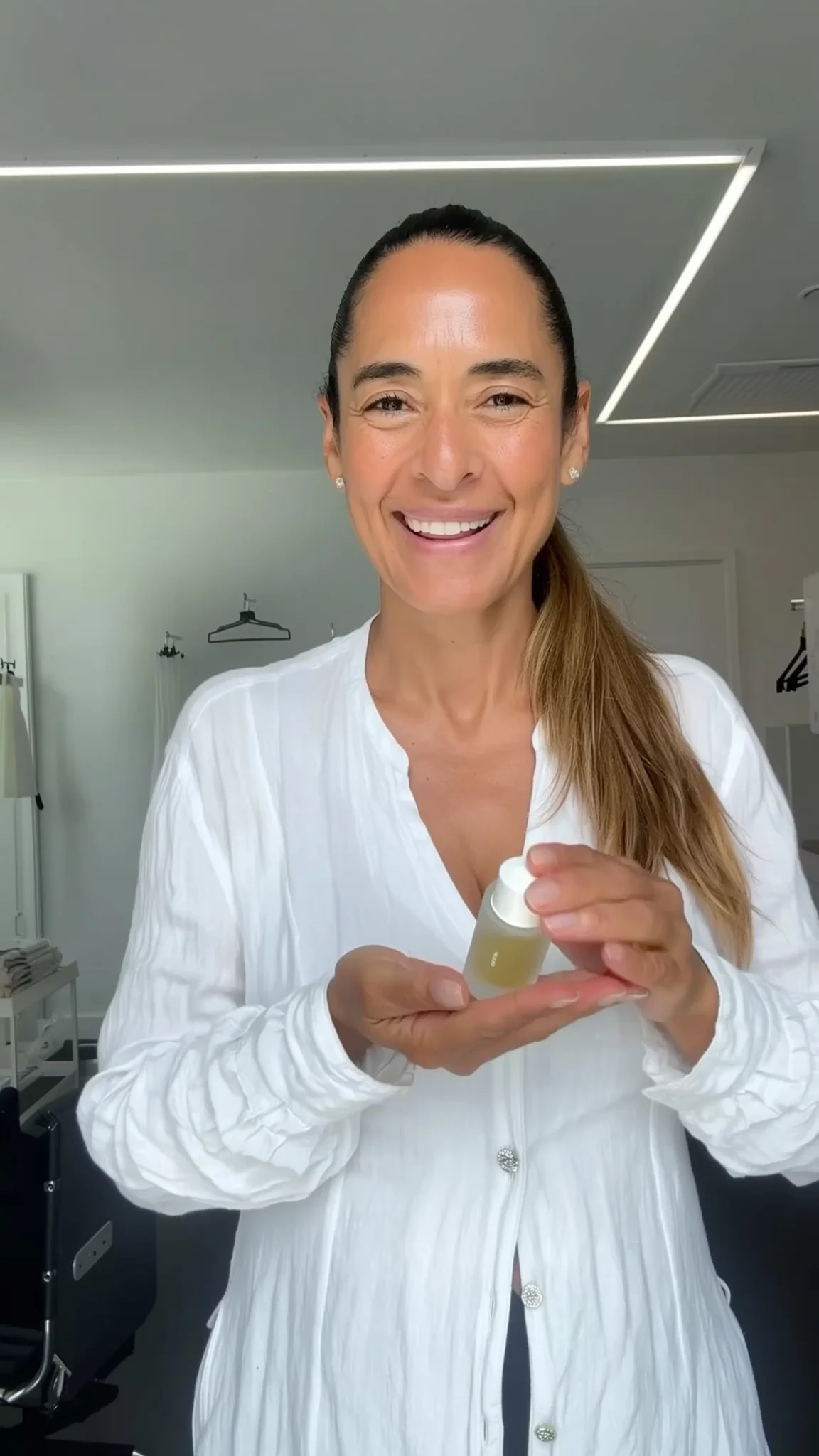
If the goal is a video ad, the fastest path is a tool built for ads rather than a general clip generator. Instead of writing prompts and stitching shots together, you paste a product link and get a finished UGC-style ad: an AI presenter, a script written to convert, a voiceover, captions, and music, exported in 9:16, 1:1 or 16:9, in about five minutes. Here is a real one made from a product link, so you can judge the output.
A real AI UGC-style ad, 9:16, made from a product link. Tap to play.
The difference from Sora is not the visuals, it is the job. Sora made a beautiful shot from your imagination; a product-ad tool makes a complete ad from your actual product, with the parts that make it sell already in place. And it is here to stay, priced to test many variations, from $3 for the first video.
How to turn an AI clip into an ad
If you already have a clip, from any AI model, and want to use it, treat it as B-roll and build the ad around it:
- Add a hook. Open on a face, a problem, or a bold claim in the first second, before the pretty shot.
- Write a script that sells. Say what the product is and why it matters, in plain, spoken language, not a caption over cinematic footage.
- Add a voice and captions. A voiceover carries the message and on-screen captions keep it working on mute, which is how most of the feed is watched.
- Cut to the right shape and length. Export 9:16 for Reels and TikTok, keep it to about 15 to 30 seconds, and end on one clear call to action.
That is real work for one ad, and it starts over for the next one. A product-ad tool does all four of those steps for you from a link, which is why, for ads specifically, it is the simpler path.
Make a video ad the simple way
Skip the prompts and the editing. Paste a product link and get a finished ad, captions and rights included. First one is $3.
Create an AI ad →Sora 2 video ads FAQ
Can you still make video ads with Sora 2?
Not through the app, which OpenAI closed on April 26, 2026. The Sora API is still available to developers but is scheduled to close on September 24, 2026. And even where it runs, it generates clips from prompts, not finished ads. For a product ad, a dedicated AI ad tool is the practical choice.
What replaced Sora for video ads?
There is no single replacement, because Sora was a general video model, not an ad maker. For ads specifically, tools that turn a product link into a finished UGC video ad, with a presenter, script, voiceover and captions, are what most advertisers use now. Sparkiz is one, starting at $3 for the first video.
Why did OpenAI shut down Sora?
OpenAI did not give a single formal reason, but reporting pointed to the very high cost of running video generation, said to be around a million dollars a day, together with a decline in active users, and a broader focus on core enterprise products.
Is a Sora clip good enough to use as an ad?
As B-roll, sometimes. As a finished ad, no. A clip has no hook, script, presenter, voiceover or captions built for the feed. You can add those by hand, or use a tool that produces the whole ad from a product link in one pass.
The Sparkiz AI team writes about video advertising, UGC, and creating ads that convert, to help brands produce winning creative fast and affordably.
More from the blog →