SaaS video ads from your screen recording
Sparkiz turns your real product screens into SaaS video ads of about 30 seconds. Add a desktop screen recording or up to 5 desktop screenshots and your logo, pick one of 7 SaaS video templates, and a real-looking AI creator presents your software. You see the credits before you approve.
Try it for $3. Plans from $126 a month.

From product screens to ad in 3 steps
You see the credits before you approve. The template does the rest.
- 1
Start in chat or pick a template
Tell the AI Builder on Home about your software, or open one of the SaaS Ads templates. The form opens in the chat.
- 2
Add your screens and check the credits
Upload your screen recording or screenshots and your logo. The credits show before you approve.
- 3
Get the ad
Watch it, download it, edit one part or make it again.
SaaS video ads made in Sparkiz
7 SaaS video templates for websites, web apps and online tools. English or Hebrew. Tap to play.
Creator + SaaS Proof
A familiar problem, why the workaround falls short, then your real software screens.
Creator + Desktop Screen Recording
Your desktop recording plays in a browser window above a male creator.
Show It Working
A fast hook, then the strongest workflows and results from your recording.
Creator Reviews a Software Product
Your screens on a laptop as the answer, ending on a Try it now button.
Creator + Motion Graphics
Your screenshots come alive with clicks and zooms while a presenter talks.
Which SaaS template fits your product
All 7 SaaS video templates, what each one needs from you and how the ad ends.

| Template | What you add | What the ad shows | How it ends |
|---|---|---|---|
| Creator + SaaS Proof | Your software screens | Why the usual workaround falls short, then your real screens as the better way | One clear action and your brand |
| Creator + Desktop Screen Recording | A desktop screen recording and your logo | A male creator walks through your software with your recording in a browser window above him | Your logo and call-to-action text |
| Creator + Screen Recording | A screen recording and your logo | A creator walks through your product with your recording above them, plus bold hook text | Your logo and call-to-action text |
| Show It Working | Your real screen recording | A fast hook, then the strongest visible workflows and results | One clear next step |
| SaaS Screencast Discovery | Your screen recording and logo | A familiar workflow problem, then three real actions in your software | A useful result and one next step |
| Creator Reviews a Software Product | Your logo and up to 5 desktop screenshots | Why the usual fix fails, with your screens on a laptop as the answer | Your logo, product name and a Try it now button |
| Creator + Motion Graphics | Screenshots | A presenter talks while your screens animate with clicks and zooms | A brand card with your call to action |
Have a recording? Start with a screen recording template. Only have screenshots? Creator Reviews a Software Product or Creator + Motion Graphics.
Up to 20 image ads for your software
Software Ads is the image pack for SaaS. Pick the styles you want and the shape.
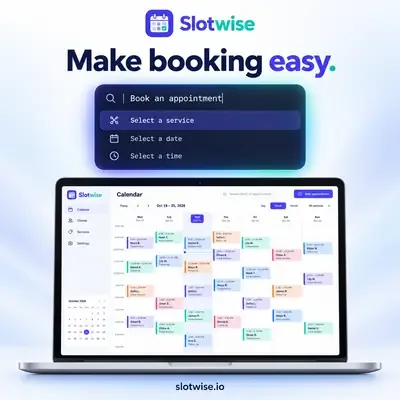
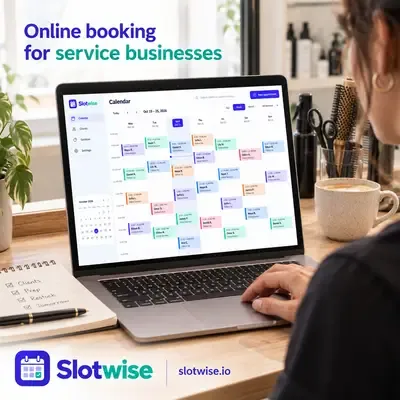
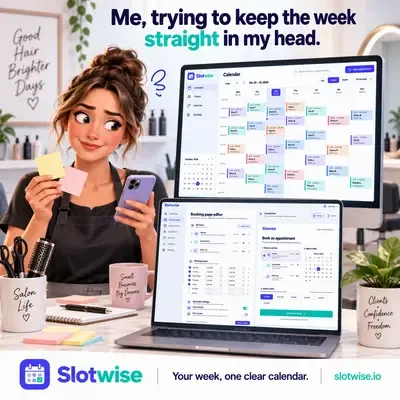
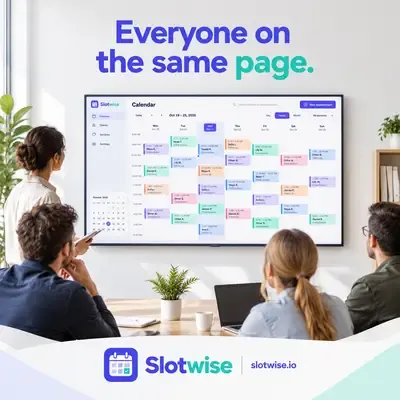
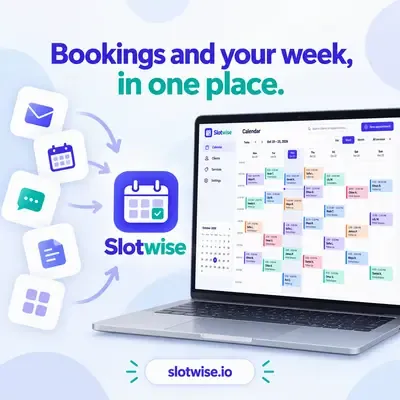
- Your screen with callouts
- Many tools into one
- An objection answered
- A meme for the job role
- A release note
- Only your factsEvery ad uses only what you tell us about the product.
- Sizes1:1, 9:16 or 16:9.
- LanguagesEnglish or Hebrew.
How to record your software for an ad
The template does the creator, voice, captions and edit. Your screens are the proof, so they are worth 5 minutes.
- Record one workflow, start to result. Pick the job your buyer hires the product for and show it finished. SaaS Screencast Discovery is built around three real actions.
- Use a demo account with real-looking data. Empty tables and test names make a product look unused.
- Close other tabs and hide private data. Customer names, emails and bookmarks show up in a recording more than you think.
- Zoom the browser in a little. The ad plays on a phone. Bigger text reads better when the screen is shown small.
- No clean recording? Use screenshots. Creator Reviews a Software Product takes up to 5 desktop screenshots, and Creator + Motion Graphics animates screenshots.
Everything a SaaS ad needs
AI actors
Realistic AI actors on every plan.
AI actors →Voiceover
Natural voices in multiple languages, with music under.
Voices →Captions
5 presets: Classic, Highlight word, Hormozi, Minimal and Brand.
Captions →Brand Kit and products
Save your products and your brand once. Pick them for every ad.
Brand Kit →Light editor
Change words, captions, music or one part.
Video editor →Social media scheduler
Schedule posts to Facebook and Instagram.
Social media scheduler →SaaS ad questions
Do I need a webcam or a presenter?+
Does it work for websites and web apps?+
Are the creators real people?+
How long are SaaS video ads?+
How much does a SaaS ad cost?+
Which languages can the ads be in?+
Make your first SaaS ad today
Add your product screens and get a finished video ad. Try it for $3. Plans from $126 a month.
Create a SaaS ad now →