App ad maker for mobile apps
Sparkiz turns your real app screens into vertical video ads of about 30 seconds. Add a phone screen recording or up to 5 screenshots and your logo, pick one of 6 app video templates, and a real-looking AI creator presents your app. You see the credits before you approve.
Try it for $3. Plans from $126 a month.

From app screens to ad in 3 steps
You see the credits before you approve. The template does the rest.
- 1
Start in chat or pick a template
Tell the AI Builder on Home about your app, or open one of the App Ads templates. You can paste a link to your app. The form opens in the chat.
- 2
Add your screens and check the credits
Upload your phone screen recording or screenshots and your logo. The credits show before you approve.
- 3
Get the ad
Watch it, download it, edit one part or make it again.
App video ads made in Sparkiz
6 app video templates. Each ad runs up to about 30 seconds, in English or Hebrew. Tap to play.
Creator Reviews an App
Why the usual fix fails, then your app screens as the answer and a Download now button.
Creator + App Screen Recording
A creator walks through your app while your phone recording plays above them.
Show Your App Working
A fast hook, then the strongest taps, screens and results on a phone.
Creator + App Proof
A familiar problem, why the workaround falls short, then your real screens.
Creator + App Motion Graphics
Your screenshots come alive as phone scenes with taps and zooms.
Which app template fits your app
All 6 app video templates, what each one needs from you and how the ad ends.

| Template | What you add | What the ad shows | How it ends |
|---|---|---|---|
| Creator Reviews an App | Your logo and up to 5 screenshots | A creator explains why the usual fix for a daily problem fails, then shows your app screens as the answer | Your logo, app name and a Download now button |
| Creator + App Screen Recording | A screen recording from your phone and your logo | A creator walks through your app with your recording above them, plus bold hook text | Your logo and call-to-action text |
| Show Your App Working | Your phone screen recording | A fast hook, then the strongest visible taps, screens and results | One clear next step |
| App Screencast Discovery | Your phone recording and app logo | A familiar problem, then three real actions in your app | A useful result and one next step |
| Creator + App Proof | Your app screens | Why the usual workaround falls short, with your screens upright and phone-sized | One clear action and your brand |
| Creator + App Motion Graphics | Screenshots from your phone | A presenter talks while your screens animate with taps and zooms | A brand card with your call to action |
Have a recording? Start with a screen recording template. Only have screenshots? Creator Reviews an App or Creator + App Motion Graphics.
Up to 20 image ads for your app
Get the App Ads is the image pack for mobile apps. Pick the styles you want and the shape.
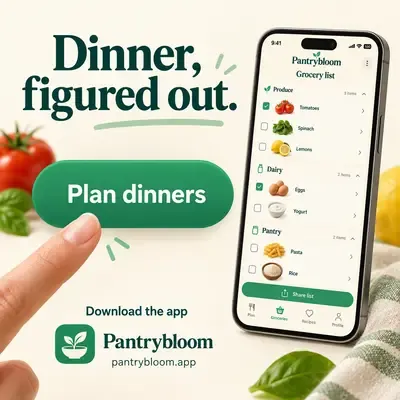
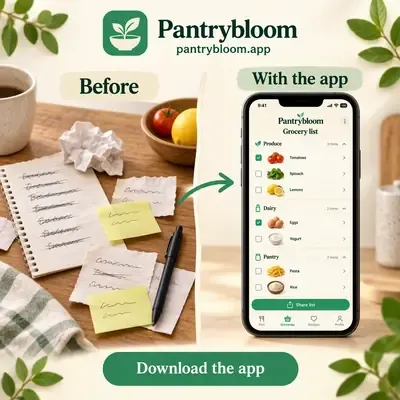
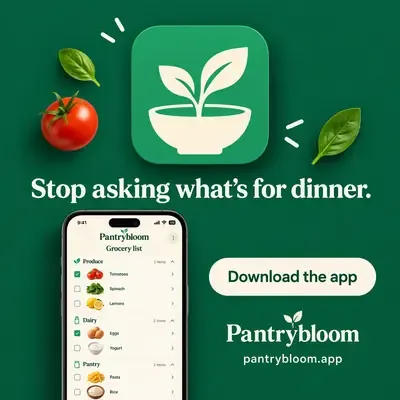
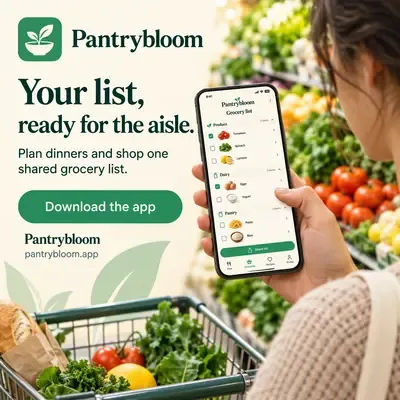
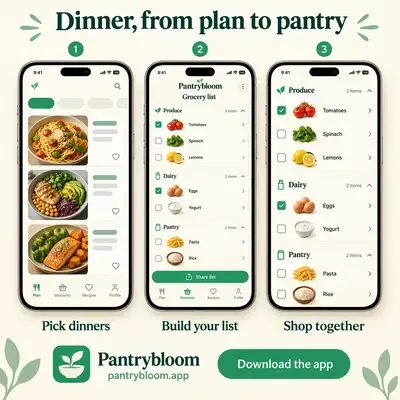
- Your screen in a hand
- Feature callouts
- Before and after
- A home screen spot
- A game-style win
- Only your factsEvery ad uses only what you tell us about the app.
- Sizes1:1, 9:16 or 16:9.
- LanguagesEnglish or Hebrew.
How to record your app for an ad
The template does the creator, voice, captions and edit. Your screens are the proof, so they are worth 5 minutes.
- Record on the phone, upright. The app templates show your screens phone-sized, so a portrait recording fits without black bars.
- Use a real account with real data. An empty screen says nothing. Fill the app the way a happy user would see it.
- Show three actions, each with a result. App Screencast Discovery is built around three real actions. A long tour gets cut down to fit about 30 seconds.
- Hide notifications and personal details. Turn on Do Not Disturb and check every frame before you upload.
- No clean recording? Use screenshots. Creator Reviews an App takes up to 5 screenshots, and Creator + App Motion Graphics animates them.
Everything an app ad needs
AI actors
Realistic AI actors on every plan.
AI actors →Voiceover
Natural voices in multiple languages, with music under.
Voices →Captions
5 presets: Classic, Highlight word, Hormozi, Minimal and Brand.
Captions →Brand Kit and products
Save your products and your brand once. Pick them for every ad.
Brand Kit →Light editor
Change words, captions, music or one part.
Video editor →Social media scheduler
Schedule posts to Facebook and Instagram.
Social media scheduler →App ad questions
Do I need to film anything?+
Does it work for iPhone and Android apps?+
Are the creators real people?+
How long are app video ads?+
How much does an app ad cost?+
Which languages can the ads be in?+
Make your first app ad today
Add your app screens and get a finished video ad. Try it for $3. Plans from $126 a month.
Create an app ad now →